
How to Log In to CASHWEB

Leave a Comment / By C / December 19,2024
Step 1: Visit the CASHWEB Website
Start by navigating to the CASHWEB homepage using your preferred web browser.
Step 2: Click on the "Log In" Button
At the top right corner of the homepage, you’ll find the “Log In” button. Click on it to be directed to the login page.
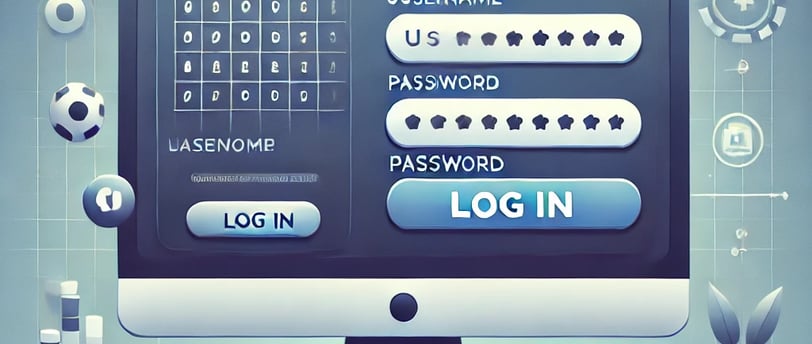
Step 3: Enter Your Credentials
Once you’re on the login page, enter your registered username or email address, followed by the password you created when you signed up. Make sure to enter your details correctly to avoid any login issues.
Step 4: Complete Security Verification
For added protection, you may be prompted to complete an additional verification step. This may include entering a one-time code sent to your email or phone number.
Step 5: Access Your Account
Once you’ve entered your credentials and completed the security verification, click “Log In”. You’ll be redirected to your account dashboard, where you can start exploring games, promotions, and much more!
Forgot Your Password?
If you’ve forgotten your password, don’t worry! Simply click the “Forgot Password?” link on the login page and follow the instructions to reset it.
Now you’re ready to enjoy all the exciting gaming experiences CASHWEB has to offer. Log in today and start playing!
Get in touch
QUICK GUIDE ON HOW TO REGISTER
Let's Talk
info@cashweb.ph


CASHWEB. ALL RIGHTS RESERVED 2024